


How to Swap a Subscription Product
A step-by-step guide to managing your FRE subscription
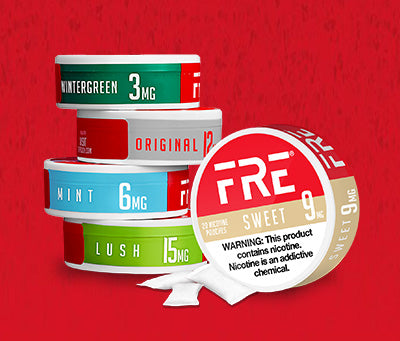
Unfortunately, due to new state restrictions, we cannot ship Mint, Wintergreen, Watermelon or Lush to your region. We encourage you to try other options that are available in your area. Here is a guide on how to swap your subscription product(s) to one of the items available to ship in your region. You can swap it in just a few clicks from your account dashboard. Follow the six steps below.
Open Manage Subscriptions
Log in to your account and click the account icon in the top right corner of any page. From the dropdown menu, select Manage subscriptions.

Click the red banner
On your account page, scroll all the way to the bottom. Click the red banner that reads “CLICK HERE to manage your monthly subscription orders.”

Open the product you want to swap
You’ll land on your subscription dashboard, where you’ll see your next order and the product it contains. Click on the product (or the arrow next to it) to open its details.

Select “Swap this for a different product”
On the product detail screen, scroll to the bottom and click Swap this for a different product.

Pick the product you want to swap to
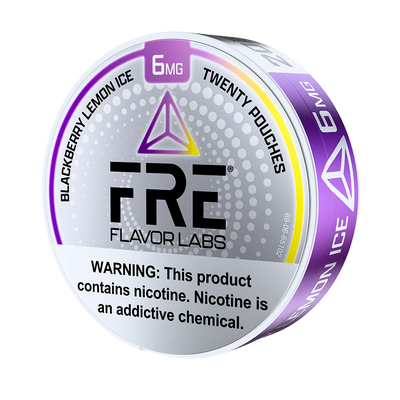
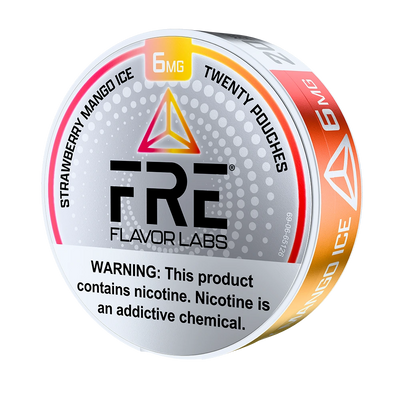
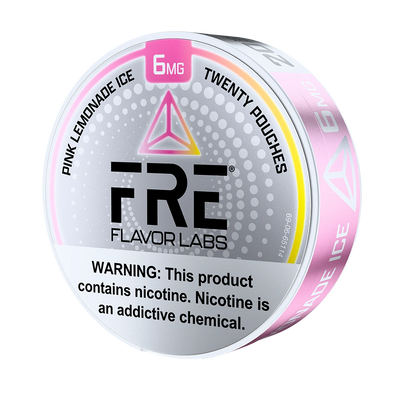
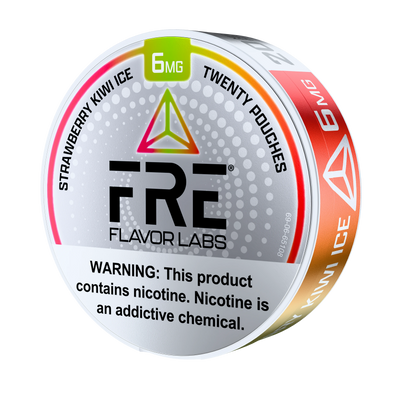
Click Swap under either Sweet Nicotine Pouches or Original Nicotine Pouches — these are the two flavors currently available for subscription swaps.

Choose your new product options and confirm
Once you’ve picked your new product, choose the Strength and Size you’d like, then review the updated price. When everything looks right, click Swap product to confirm.

You’re all set!
Your subscription has been updated. Your next order will ship with the new product at the price shown during the swap. You can come back and change it any time from the same dashboard.
Need help? Reach out through the Contact link in the site menu and our team will be happy to assist.